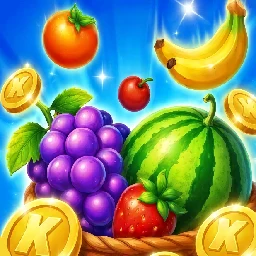
Play it in the browser
Harvest Hue is free to play in the browser on YY Arcade. Press Play now on the Harvest Hue page. There is no download and no account.
Line up a shot for a freshly picked fruit match. Aim with mouse or touch. Follow the game’s opening prompts for level-specific controls. Harvest Hue is developed and published by jmn game. It is part of the YY Arcade collection of browser games.
Let the launcher decide the shot
Harvest Hue uses a launcher and a board of colorful fruit to create its matching challenge. The fruit you are about to shoot should determine where you aim. Look for a group that makes good use of that color, then check whether an obstacle changes the path. It is a different pace from a swap-based matching game: deciding where to send the next fruit is the heart of the puzzle.
The fruit already in the launcher decides the shot. Find a reachable group of that color, and notice when an obstacle changes the path. The shot is a match and a route. Aim the fruit in the launcher at a reachable group in Harvest Hue.
Shoot, then read the board again
Check the fruit currently waiting in the launcher. Aim toward a reachable group of matching fruit. Shoot, then reassess the board and the remaining level target.
Check your line of aim before releasing a shot. Opening a blocked area may create better choices for later fruit.
A different pace from a shelf
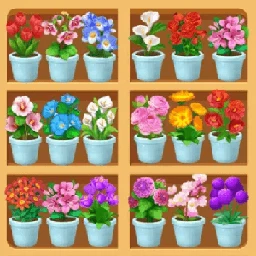
It is a different pace from a shelf game such as Goods Match. The style split is in Find your kind of matching game, with the rest of the matching games.
Similar matching games in this collection include Flower Burst and Flower Shelf. Tips for a busy board are in Matching puzzle tips for a busy board. The flower steps are in How to play Flower Burst.
Quick answers.
Is Harvest Hue free to play in the browser with no download?
Yes. Harvest Hue is free to play in the browser on YY Arcade. Press Play now on the Harvest Hue page. There is no download and no account.
What decides the next shot in Harvest Hue?
The fruit already in the launcher decides the shot. Find a reachable group of that color, and notice when an obstacle changes the path.
What should I check before I release a Harvest Hue shot?
Check your line of aim before releasing a shot. The fruit you are about to shoot should determine where you aim. Look for a group that makes good use of that color, then check whether an obstacle changes the path.
What should I do after a Harvest Hue shot?
Shoot, then reassess the board and the remaining level target. Opening a blocked area may create better choices for later fruit.